

=VG= SemlerPDX
-
Posts
4,972 -
Joined
-
Last visited
Content Type
Profiles
Forums
Events
Downloads
Gallery
Articles
AVCS Bug Reports (automated)
AVCS Bug Reports (manual)
VG Wiki
Blogs
Store
Everything posted by =VG= SemlerPDX
-
That's where you would plug in your server computer (device) and assign an IP address to it. Then you can set up, say, a website, or dedicated server. Nice little option on that modem. Would make the process very simple. Can't imagine you needing it, though. Not for just gaming.
-
Intense!!
-
I like it. Yea, Solar, and there's a Render Time at the bottom to prove it! Especially, I like the "slide show" of Game Names and their screenshots much better than the old "Game Medallion" thing. Good work, keep it up!! !cheers
-

COOP - PvP discussion con't from chatbox
=VG= SemlerPDX replied to =VG= SavageCDN's topic in General Forum
Here's my PM to Bones on the subject, sure it's all relevant here: Just, many of us flocked here (players of PR and such) for the COOP element, I know I did. I hate playing against humans and would hate playing against my own mates even more. I could give several examples why, one being, bots are consistant, I wont run into a bot who happens to play this game all day, every day, and is soooooo much more of a PRO than I'd ever hope to be. So, it's like playing a match of unknown difficulty, instead of one in which enemy to enemy share consistant skill levels. I don't want to play against the Human element - you may consider yourself lucky you haven't had the many horrible experiences we all have with assholes in PvP. They abound, trust me on this. Our only edge now is adminship and server powers - still not enough in my book. I have tried what you suggested, quite recently, actually. I played a PvP (or TvT really) against and with various VG members and admins. I had to stay about 3 rounds so no one could accuse me of rage quitting. I gave it a try, and found my opinion remains unchanged on this matter. I played one of the original MP online TvT wargames (3 of them) Socom I, II, and III for Playstation2 for [&@#$&!] YEARS! Like 4 or so. We had no "admins" or "rule enforcers" just a kick vote - and you know how democracy works!!! As far as playing and shooting humans - been there, done that. And I was a clan leader then, a straight killer who didn't form a clan, it formed around me of other highly skilled players - but now that AI is not scripted, but it can think...I have no need for human targets. They can now all be my teammates, and more and more to make up an entire platoon!!! I know we're not "that old", but in a way, I find huge differences between my (and our) tastes vs. those of our younger members. I just have less wargame "wanderlust" and found one that has mods with human like AI that I can truly, TRULY respect as an enemy. I will stick with what I love: COOP vs. the smartest bot AI I can get my hands on, which is actually ACE bots. Now we're back to standard AI bots in Insurgency (arma). Perhaps we'll hold ACE/ACRE Insurgency events periodically, but for now, the Insurgency/Domination servers are the only set of bots I fight. -
As one who doesn't have it, I want to know about any large vehicular base maps like ol' Kashan, if you get to play any in that version. !eatmyuzi How do the tanks feel? Anyone flown one of them new Jets? Can they lock on? !cp
-
(BANNED)MARTINIUS OPERATION ARROWHEAD- INSURGENCY
=VG= SemlerPDX replied to =VG= Outlanders's topic in ARMA Player Reports
You, Martinius, can hit the bricks. !butcher You've had more than enough time to read the rules, but most people assume ranting and insulting others while teamkilling is a bannable offense. The fact that your first reply to this issue isn't a formal apology is the nail in the coffin for you. Martinius said: "you are not the only guy playing the game so... be nice." Perhaps if you would have followed your own advice, you wouldn't be finding another server to put in 350+ hours into. I thought I knew you. I was wrong. !ban -
CHAFF!! CHAFF!!! !cp
-
See you when you get back! Have fun!!
-
So, I have a small suggestion. Left 4 Dead 2 and Killing Floor are the tip-top of Zombie muliplayer COOP action, and are rather fun compared to other FPS like COD:MW2. Left 4 Dead 2 sucks to play online because of the lack of dedicated servers - basically, it grabs a Steam server and the farthest person has a horrible ping. Also, it's limited to 4 players verses the bots. There is a way to have a dedicated server running with many player slots vs. bots; main requirement being an available dedicated server and some research. !fans Interested?
-
Just played SOAR for a few hours. All TS3 addresses were correct(ed) as far as I can tell. I believe the original issue was on the map in game, the white writing over the MHQ with TS3 addy.
-
The TS3 server address IN-GAME is still reading "......port 9887" instead of 9987. Thanks, PITN!!
-
Thank you Pricetx, will forward this to PITN.
-
Of course it means more money out the door, or to raise each month. I agree with Jarema, though I also don't play PR much anymore, holding open a COOP server for the community is a good idea. I understand the competition has no care about breaking the EULA and making COOP maps that may appeal to some players, and that we refuse to stoop to that level. Still, what makes VG COOP different is admin support, and gameplay the way PR intended coop to be. These things still get new members to join the site, and expand to other games we play. Remember, the main draw for VG isn't just the games, it's the way they are run. And our teamwork and communication is VIRAL. People use it as a standard, and prompty abandon servers with little admin support and lone wolf players. I know I don't pay the bills or play PR anymore, but I feel it's the roots of VG. It may not be time YET to cut these roots. Maybe when BF3 or ArmA:PR come out and you MUST devote a server to them to keep up with the community.
-
Pre-built systems often cut things as close to the margin as possible to maximize their profits - if you have power issues, you will need a 550W PSU, I like the Corsair Gaming Series 600W I have now, and well priced at $75US. Also, being a pre-built, I assume it's a Power Color 6970? Just make sure it's not that brand. Diamond, Saphire, XFX....these are the "good" brands. FIND OUT!!! This is a $300 part, and one of the 4 key parts that must be well made, or it's stats are just smoke and mirrors (phoney numbers, fixed "tests", fugazi) What case? Maybe if it sucks, you could swap it for that awesome CoolMaster you got. I love the filtered intakes on the front! $999 seems like a damn good deal, just watch the brand names on key parts and know where your money is going. Bravo, bro! !cool
-
Dilli, is the service set to Manual? Try setting it to automatic or delayed automatic, Apply, and restart your PC. See if it now starts up on it's own as it should. Heck, maybe you already tried all this...just trying to help. !gamer
-
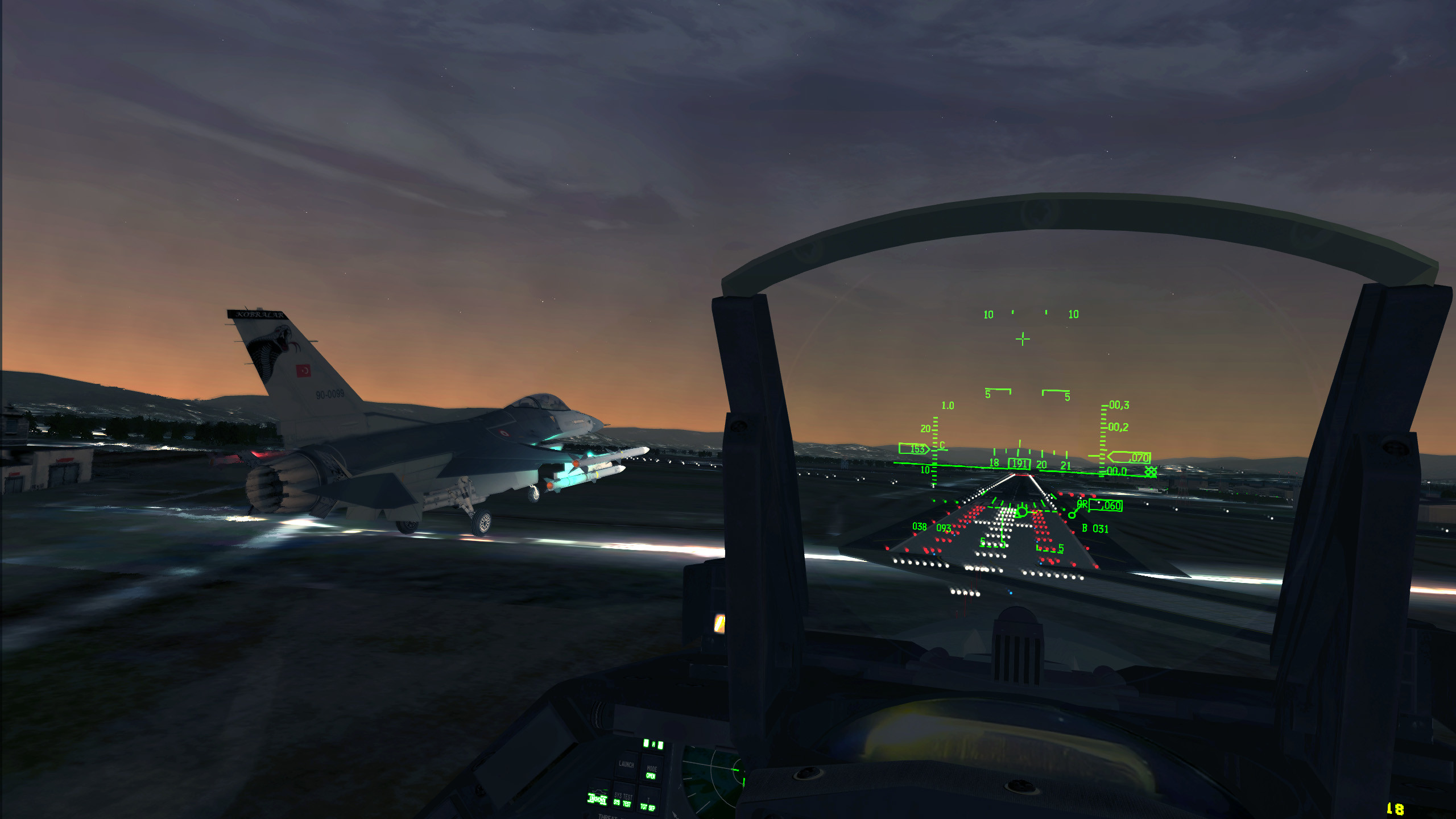
I also feel guilty for not being around as much to help get the ACRE server on it's own two feet. Still frustrated by the stupid workaround we have to use in order to run the Insurgency Mission with it's awesome loadout menu. Hit the nail on the head - Steam Sale has us all "vacationing" in different worlds, but none hold a candle to ArmA's awesomeness. Now, I'm nearly bored with Left 4 Dead, but it's still mid-camping season. Will try to be on as much as possible. Plus just got back into F16 sim, so gotta budget time better. Good point about ACRE being "same-start" oriented, but again, the saying is "If it is to be, it's up to me". We all see the benefits when we take the initiative and make a plan. Watch for new players entering and make it your side mission to include them. Use in game text chat to let them know your plan. Advise them to grab a long range radio if necessary, and set a rally point on the map so they can catch up and play as well. *If you set # of Cache's to 5 instead of 2, intel markers are more likely to show up when silver briefcases are acquired. I have tested this a little bit on ACRE. Try it!
-
Same here. I suspected that I still knew how to fly an F-16C. Took down a Mig-29 and though I missed most of an armored column with my Mk-20D's, I did manage to destroy 2 BMP's. Should have stopped there....next mission I unknowingly bombed a Korean temple and was promptly Courtmarshaled after landing. Gonna stick with Falcon 4:AF and flying F-16's for awhile before trying FF5 and it's many different jets. Good times, though, Bones! We'll do it again soon! !cp
-
So is it done now? Was it a between Thursday/Friday thing or coming this weekend?
-
Yea, even I'm jealous! Beautiful! Looked like you two were okay just before tipping over. I suppose the nose went to the right or something when it hit that rapid, eh?
-
"Warm up the probes, men. It's payback time!" Sorry, I know that's not a slogan. Had to give it a go. Too suggestive? !sarc Congrats, BLuD!
-
It's Summer time now (in the Northern Hemisphere, at least) and case heat is the primary concern now. I've had 2 BSOD's from overheating this past month, and tracked the issue to case heat caused by my overclocked graphics card. I run a high overclock and set fans on the card to 100%. To solve the issue, I simply lowered the overclock and kept the fan at 100%. PITN and SavageCDN have good advice: Dust and heat are PC killers! Though this picture may look like it would work, you gotta laugh at how he's cutting his own leg off to save his foot. The dust that will build up on internal parts will cause more heat in buildup areas than the cooling benefit of this fan will fix. Particularly on the far side of the motherboard where only 1/4 inch separates it from the case.
-
Wow! What impresses me the most is the inclined keyboard and very smart airflow design. That beast should have no problem gaming at decent settings for hours on end! Wish I had a lappy like that so I could game when away from home. WOOT!
-
Minumum and Recommended System Specs Released
=VG= SemlerPDX replied to Bones's topic in Battlefield Series
Not me, I don't use crack. But it does look like I'll have to get a DX11 Motherboard. My Vid card is fine, but I'm seeing DX10 in games now cuz of that little detail. -
These two were causing all kinds of problems in the Arma Insurgency Server. Thanks to Acer, I caught their battleye client id's, and promply kicked them from the server...not before they shot me up as well. These two need to be banned for their continous teamkilling and griefing. !fuk
-
SavageCDN wrote: "It will be enough to get you hooked then you will buy the full version" Oh yes...you will. Muah-ha-ha-ha-ha-ha! !butcher Ok. You don't need to monitor power consumption to see if you can run RAID. I believe you got yourself a 650W PSU...that's fine for the GFX Card you have and several hard drives (as many as the PSU has connectors). Also, most cases come loaded with fans. Best value buying one that already has all fans (no PSU) and FILTERS in the title or description. The 120mm you describe by the HDD's may be drawing air through the filters. Your video card most likely has the ability to turn it's own fan to 100% prior to running a game. Try to keep the air flow the way the case is designed to flow it, or you may run into general case heat issues (while trying to deal with specific part heat issues that don't exist yet).